A tutor that explains.
The work stays the student’s.
Students ask Marlo, the Tutor, about the course inside the school’s Moodle, and each answer is drawn from the school’s own material with the pages it came from listed underneath.
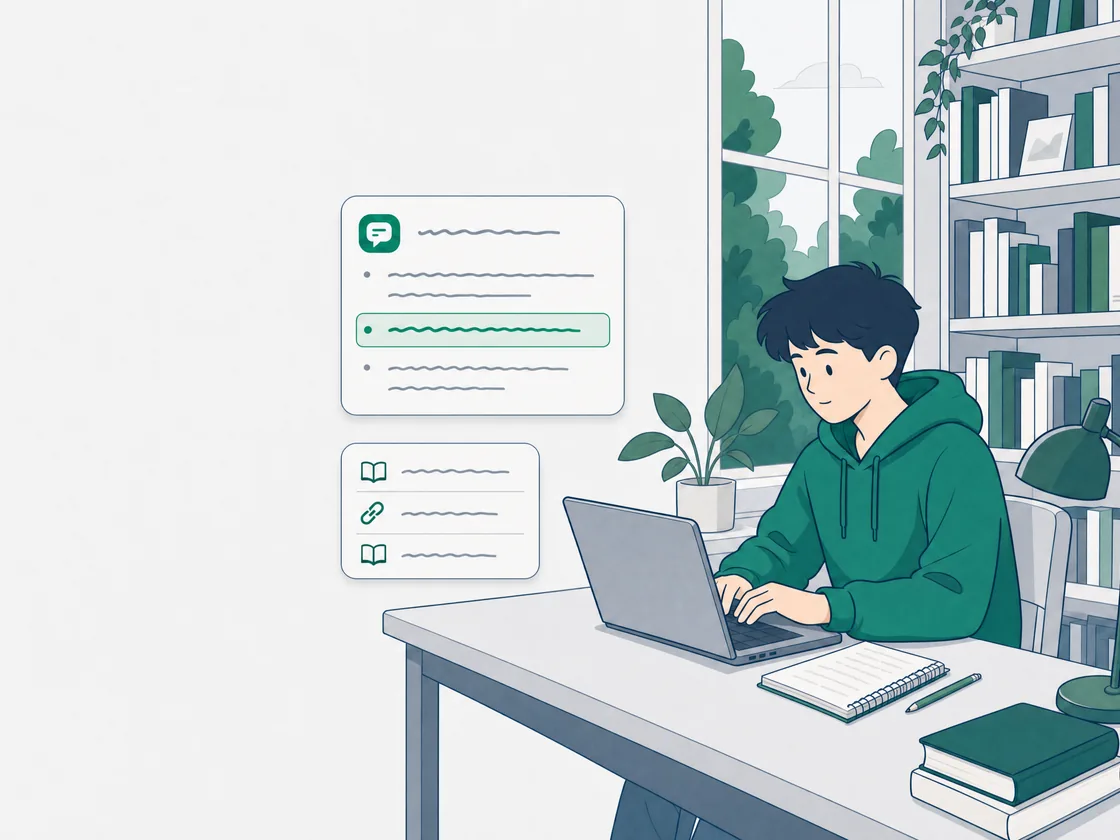

One answer about derivatives, and under it the course pages it was drawn from.
Marlo, in an MCV4U course
Answers come from the documents and courses the school provides, with the source attached.
Marlo, the Tutor
Administrators can read every conversation with Marlo, and see each student’s assistant use for the month.
What the school can see
Help with the course, from the course.
What Marlo does for a student inside the Moodle course they already use, and the one thing it will not do.
Explains the course
Ask about an idea from the course and the explanation is drawn from the school’s own course material. A derivative, a stanza, a reaction: it answers in the course’s own terms.
Shows its sources
Under each answer, a list headed Sources names the course pages it was drawn from. A student knows where to read further.
Deadlines and rules
When work is due, how it should be formatted, what the late policy says: answered from the school’s own policy documents. The source is attached to the answer.
Type it or say it
A student can type a question or speak it. Voice input uses the speech recognition built into the browser.
Handed to a person
When Marlo cannot resolve a question, the student can send the conversation to the school’s staff. It lands in an administrator’s queue for a reply.
Leaves the work alone
Marlo will not write, solve or submit a student’s assignment. It explains the idea and sends the student back to the work.
What a student sees in the course.
- An explanation drawn from the course the school ingested, with the pages listed under the answer.
- Past conversations kept on the student’s account, to reopen and rename.
- Moodle today, and no other LMS. We install the plugin in the school’s instance.
Students see their own. Administrators see the record.
What each person in the school can see of a student’s use of Marlo and Margin, by default.
- The studentTheir own conversations with Marlo and their own work, and their assistant credits for the month when the school’s credit limits are on. Nobody else’s.
- The teacherTheir own courses: missing work, the grading queue and each student’s timeline. Not a student’s conversations with Marlo, by default.
- The administratorEvery conversation with Marlo, for inspection, the questions passed to a person, and each student’s assistant use for the month.
Work for Margin goes in through the teacher’s class link. A student photographs the pages, and several photos become one submission, in page order. No student login to manage. The student sees that the work was sent, and nothing of the marking until a teacher hands it back.
Safe for a school, by construction.
Each school in its own environment
Every school runs isolated from every other. Cross-tenant access is denied and verified in automated testing.
Never used to train
Student work is sent only to generate the marks and the feedback, never for advertising, resale or training a model.
Hosted in Canada
The database and files live on cloud infrastructure in Canada. The AI step runs in the United States under commitments not to train on the data, and the school is the controller of it in writing.
The full terms are on the privacy policy and the data processing addendum.
Questions about Marlo and Margin.
Anything else, write to support@elevategrade.com.
Can Marlo write my essay for me?
No. Marlo explains the course material, the rule, the deadline and the requirement, with the source attached. It does not write, solve or submit a student’s assignment.
Can my teacher read what I ask Marlo?
Not by default. Teachers see their own courses, such as missing work and the grading queue, and cannot read students’ conversations with Marlo. Administrators can read every conversation, for inspection. A student sees only their own.
What happens when Marlo cannot answer?
The student can send the conversation to the school’s staff. It lands in an administrator’s escalation queue, where it can be answered and closed. An escalated conversation uses no assistant credits.
Do students see their marks in Margin?
Not in the app. A student sends their work through the class link and sees that it was sent. The marked set reaches them when the teacher hands it back, after a teacher has reviewed and signed it.
Is student work used to train AI?
No. Submissions are sent only to generate the marks and the feedback, never for advertising, resale or training. The school is the controller of the data and Elevate Grade the processor, in writing.
Which LMS does Marlo work with?
Moodle today, and no other LMS. We install the plugin in the school’s instance.
Start with one class, or bring Marlo to the school.
Teachers start Margin free, with no card, and share a class link with their students. Marlo can be tried on its page and comes in three sizes, from CA$50 a month per school, installed in the school’s Moodle.