Four products. One operating system for education providers.
Built by educators and technologists who came together to address education as a whole. Margin marks the work, Marlo tutors inside the LMS, Daybook keeps the record of each class, and ElevateSIS keeps the school’s record. Each runs on its own, and a school can take them together as one platform.
Marks every submission against your rubric, drafts the feedback, keeps the gradebook and drafts the report cards. A teacher signs everything.
What Margin solves ↓ Marlo The TutorAnswers students, teachers and administrators inside your Moodle, with the source attached. It explains. It does not do the work.
What Marlo solves ↓ Daybook The class recordTakes attendance, records a lesson, writes the transcript and the notes, and answers questions about what was said.
What Daybook keeps ↓ ElevateSIS Early access The student information systemThe gradebook, report cards and transcripts. The gradebook and report cards work today inside Margin, and attendance is part of the plan.
What ElevateSIS holds ↓MarginThe Teacher Assistant
The class set, marked by morning. Signed by the teacher.

A class set takes an evening to mark, and a second one takes the weekend. Students wait to hear how they did, and feedback written late at night is shorter than the work deserves.
Margin marks the whole set overnight against your answer key or rubric. Each question gets its mark and the reason for it, written beside the line it is about, and the feedback is drafted in full. The teacher reviews what Margin flagged, changes what they disagree with, and signs.
-
The scheme, confirmed first
Margin reads the answer key or rubric and proposes the marks question by question. Nothing is marked until a teacher has changed what they disagree with.
-
Any kind of work
Tests, labs, document studies and code, typed or handwritten, and essays on Pro and School. A photographed page sits beside a transcript the teacher can correct.
-
The reason on the page
Each mark is pinned to the line in the student’s work it is about, with the written feedback drafted in a voice the teacher can keep or rewrite.
-
Review, then sign
What Margin flagged waits at the top of the queue. A mark the teacher changes stays changed, with their name and the time on the record.
-
One link per class
Students photograph their pages and send them in under their own name. Several photos become one submission, in page order.
-
Back in one download
Annotated PDFs for every student, the class summary and a ZIP of the set. The marks flow into the class gradebook.
MarloThe Tutor
A tutor inside your LMS that shows where every answer came from.

Students get stuck after the school day, when there is no one to ask. Staff answer the same questions about deadlines and rules by email and text, one message at a time.
Marlo answers inside the school’s Moodle, from the school’s own courses and policies, and lists the pages each answer came from. It explains the work and leaves the doing to the student. What it cannot answer goes to a person.
-
Explains the course
Answers come from the school’s own course material, in the course’s own terms: a derivative, a stanza, a reaction.
-
Sources under every answer
A list headed Sources names the course pages each answer was drawn from, so a student knows where to read further.
-
Deadlines and rules
Due dates, formats and the late policy, answered from the documents the school uploads, with the document named.
-
Live records for staff
Teachers ask about missing work and the grading queue in their own courses. Administrators ask for School Pulse across the school.
-
Handed to a person
A student can send a conversation to staff. It lands in an administrator’s queue for a reply, and an escalated conversation uses no credits.
-
On the record
Administrators can read every conversation and set each student’s monthly credit cap. Marlo works with Moodle today, and we install it.
DaybookThe class record
Teach the class. Daybook keeps the record.
Forces and friction
What was taught
- Friction acts against motion and turns some of it into heat.
- On the ramp, rougher surfaces gave the car a shorter run.
How students responded
- Most groups guessed the carpet would stop the car first.
- Two groups mixed up mass and weight. Revisit next lesson.
Homework and deadlines
- Finish the results table, due Thursday.
Every class leaves a record to keep: who was there, what was taught, what students asked and what is due next time. A teacher at the front of the room is teaching the lesson and can’t also write it all down.
Daybook keeps that record. The teacher takes attendance in a few taps and records the lesson in the browser, and Daybook writes the transcript, speaker by speaker, and notes laid out by a template. The teacher can then ask any note or class a question, and the answer comes only from what was recorded.
-
Attendance in a few taps
Start the session and everyone is marked present. One tap marks an absence, and a student can be marked late, left early or excused. Daybook works on a phone too.
-
Record with one click
A lesson, a meeting or a conversation, recorded in the browser from the microphone or from what the computer is playing, for up to 15 minutes, and paired with a class.
-
A transcript, speaker by speaker
When the recording is saved, Daybook makes the transcript and tells each speaker apart. Name them, mark which one is you, then search it or copy it.
-
Notes from what was said
Written from the transcript and your own notes, laid out by a template: a lesson recap, a staff meeting, a parent meeting, a 1 to 1 or a lesson observation.
-
Ask anything
Every note has a chat bar, and so do each class and your home page. Answers come only from what was recorded, and say so when the recording doesn’t.
-
Recipes
Saved prompts that run with one click: an exit ticket, a parent update, a quiz, a summary for students who were absent. Eleven come with Daybook, and you can save your own.
See the day ahead
Home lists today’s sessions and the next day’s, taken from the timetable, with the notes under them by day.
Take attendance in a few taps
Starting the session marks everyone present, and one tap marks an absence. A student can also be marked late, left early or excused.
Record the lesson
In the browser, from the microphone or the computer’s sound, for up to 15 minutes.
Read the transcript and the notes
Daybook tells each speaker apart and writes the notes by a template, for the teacher to ask questions of.
ElevateSISThe student information system
The school’s record, with the smart tools built in.
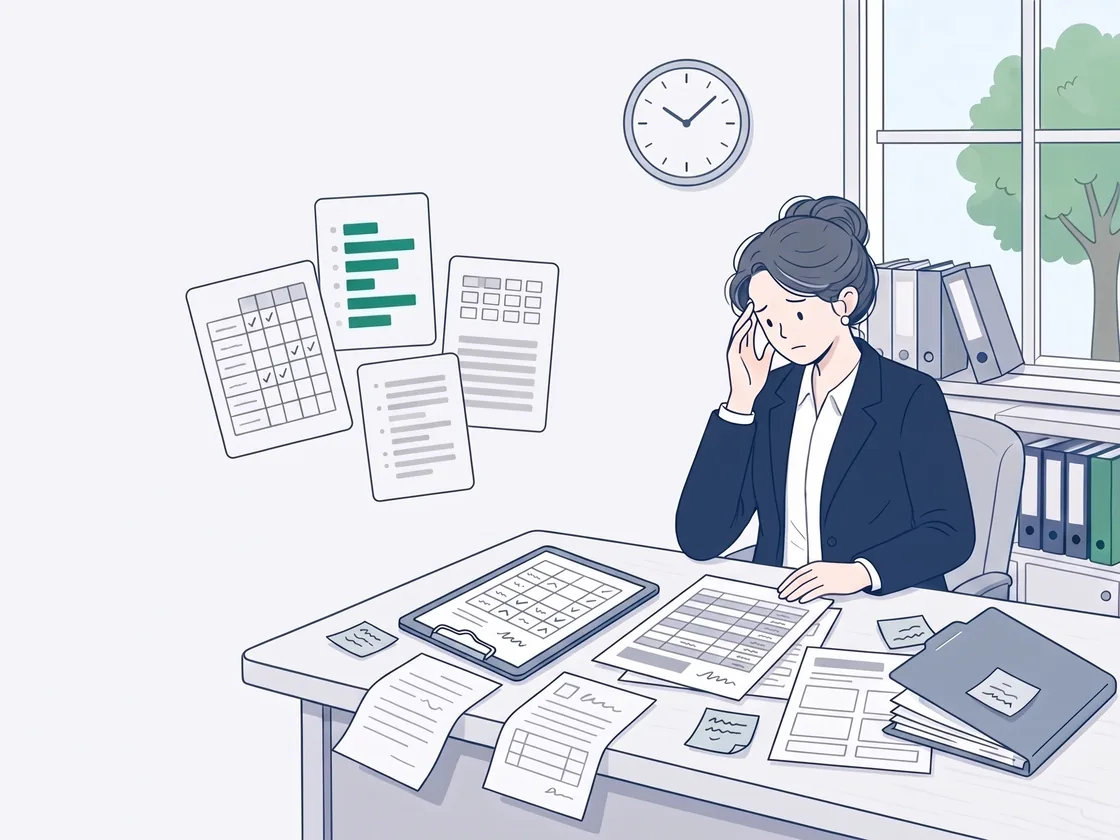
A school’s record lives in pieces: attendance on a sheet, marks in a spreadsheet, report cards typed into the school’s form one student at a time, transcripts in a folder. Every term, someone copies it from one place to the next.
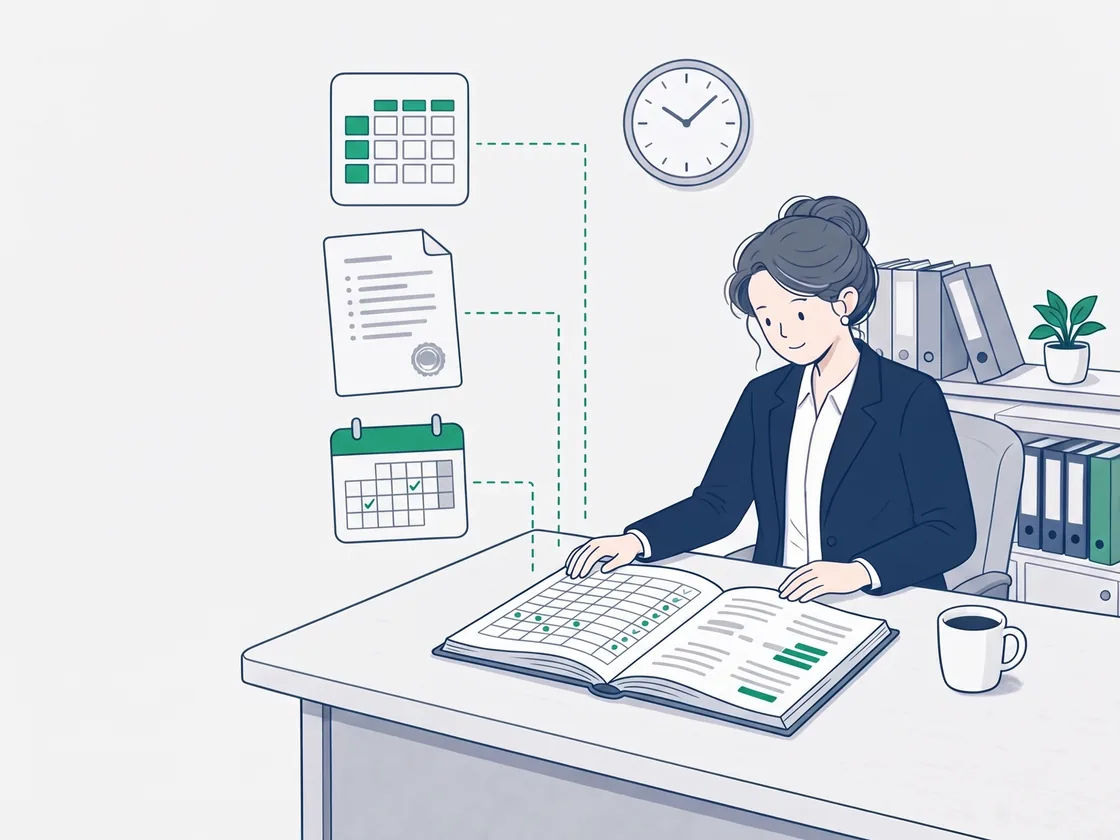
ElevateSIS, the student information system, keeps that record in smart tools built on the intelligence platform. The gradebook fills from marking and report cards fill from the gradebook, and both work today inside Margin. Transcripts are read on Marlo’s staff side, and attendance is part of the plan and not available yet.
-
Gradebook In Margin today
One per class, set up from a framework such as letter grades, IB, a provincial scale or percent, or proposed from the course outline you upload. Columns linked to a marking task fill from the marked work, and a mark typed by hand is never overwritten.
-
Report cards In Margin today
Upload the school’s own report card form once and confirm how its fields map. Each student gets a card for the term, prefilled from the gradebook, with comments drafted on request from their marks and the teacher’s feedback. A class downloads as one ZIP.
-
Transcripts In Marlo today
On Marlo’s staff side, an incoming transcript supplied as text is read into an assessment report, as a PDF and a Word file, for staff to review. The credit decision stays with the principal. Keeping transcripts in ElevateSIS with the rest of the record comes next.
-
Attendance Planned
Part of the plan for ElevateSIS, kept with the rest of the school’s record. It is not available yet.
Keep the gradebook
Marks arrive from marking in Margin, and a mark typed by hand stays as it was typed.
Make the report cards
One card per student for the term, on the school’s own form, prefilled from the gradebook, for the teacher to review and download.
Read an incoming transcript
On Marlo’s staff side, a transcript supplied as text is read into an assessment report for staff to review.
Start with one product, or take the platform.
Margin starts free with no card, then from CA$34 a month. Marlo can be tried on its page, then from CA$50 a month. Daybook is priced from CA$41 a teacher a month, in Canadian dollars, on its own plans. Or Margin, Marlo and Daybook School together for one school as the platform, with ElevateSIS when it ships.